
Platform
AI Workflow Collaboration Across Teams
Share, collaborate, and manage workflows seamlessly with an enterprise AI collaboration platform designed to scale AI development across teams.
01
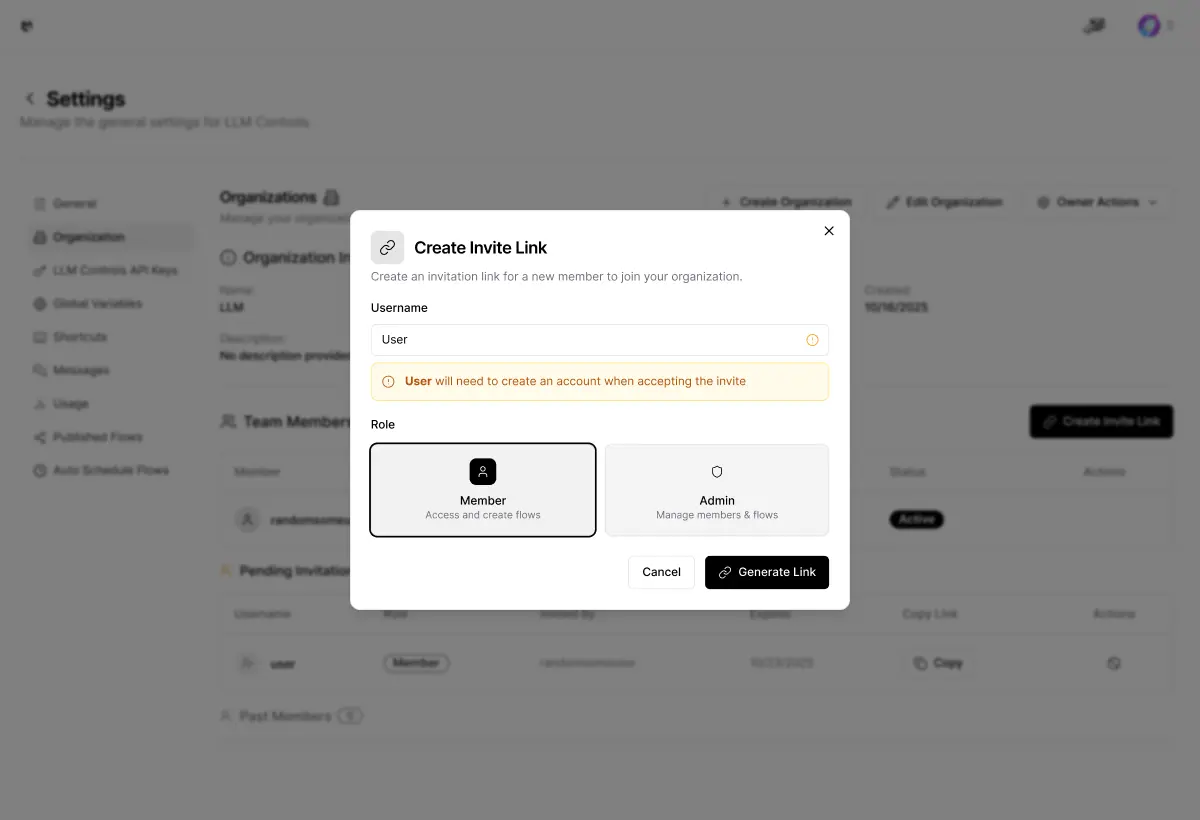
Instant Workflow Sharing: One-Click Team Access
Share any AI workflow instantly within a centralized team workspace, enabling departments to access, test, modify, and deploy workflows with pre-configured roles and no complex setup.
02
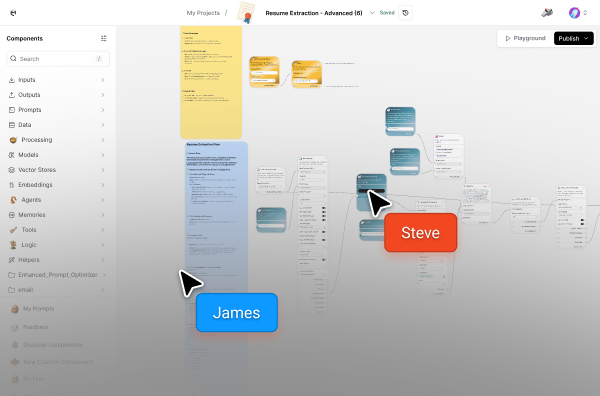
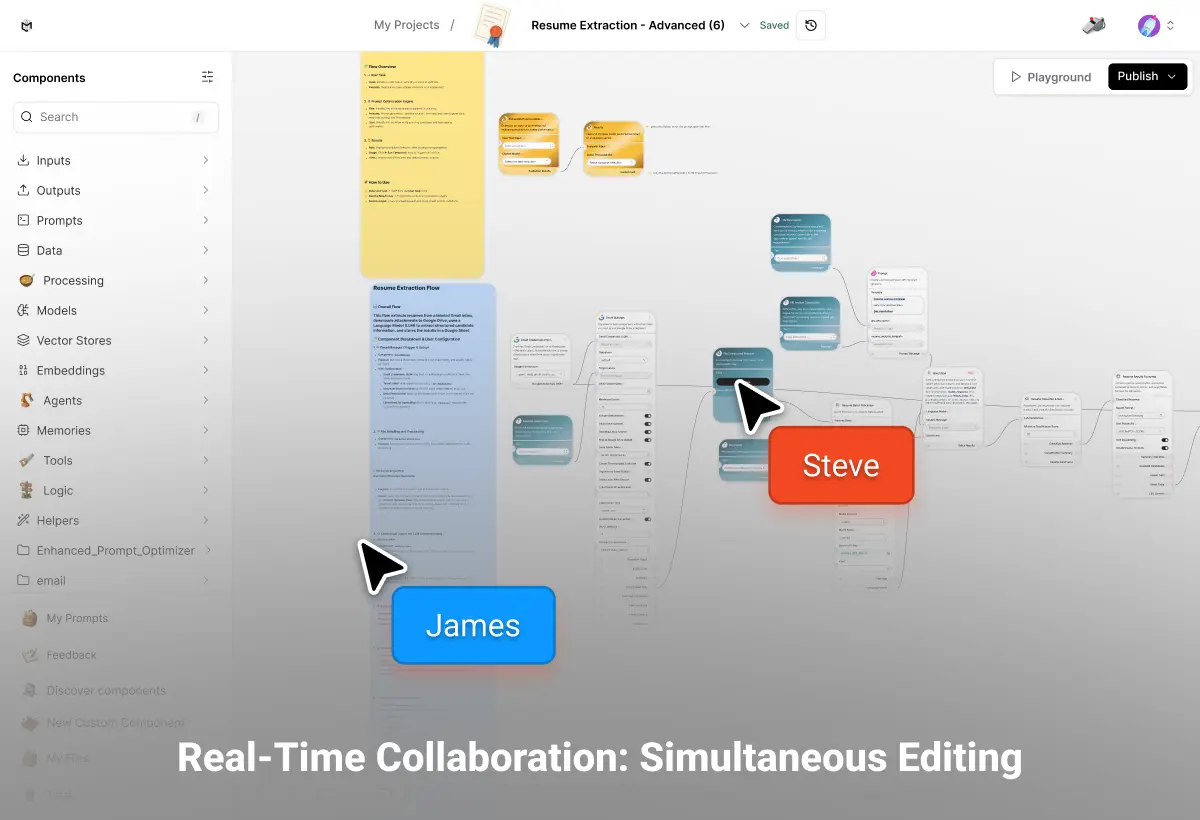
Real-Time Collaboration: Simultaneous Editing
Work on the same workflow simultaneously with your team members using live collaborative editing. See changes in real-time, leave contextual comments on specific steps, and track who modified what with automatic version history, eliminating merge conflicts and coordination overhead.
03
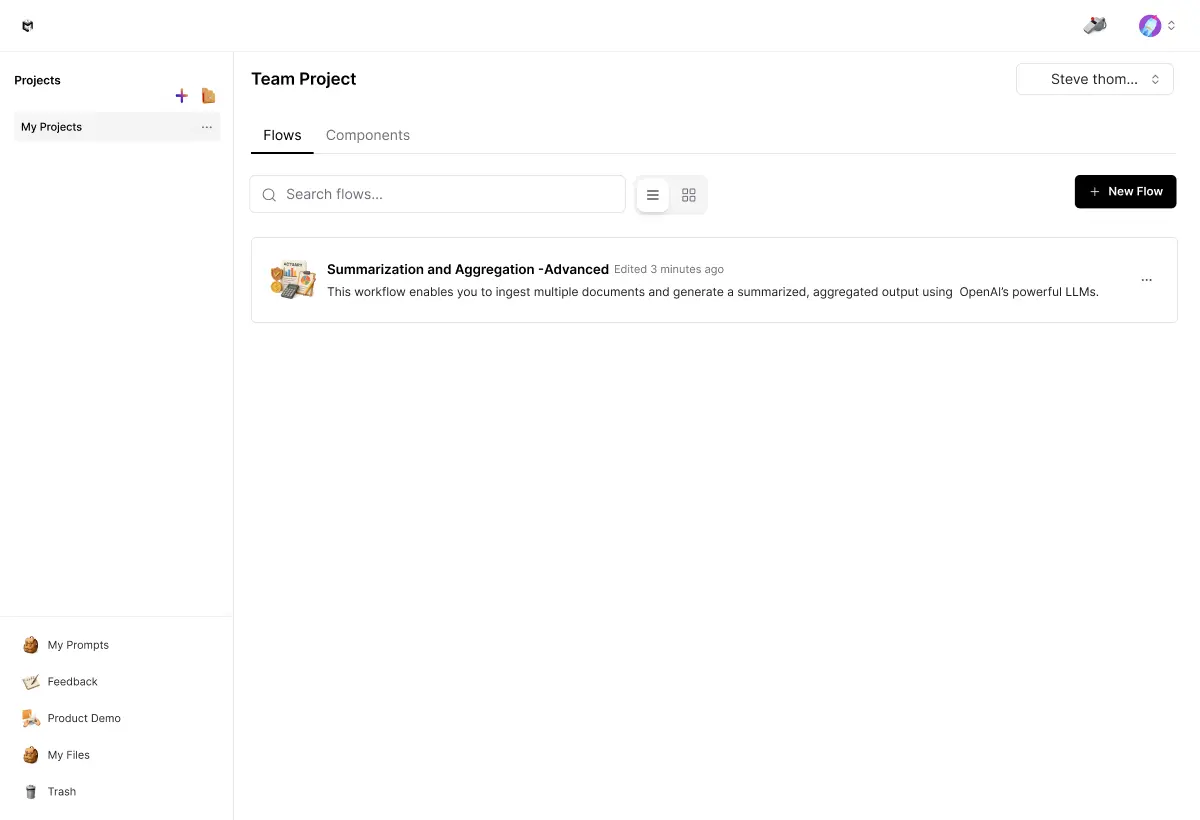
Centralized Workflow Library: Organization-Wide Templates
Access a shared repository of approved workflows built by your team, automatically organized by department, use case, or project. Clone proven templates with one click, customize for your needs, and publish back to the library, accelerating deployment while maintaining consistency across teams.
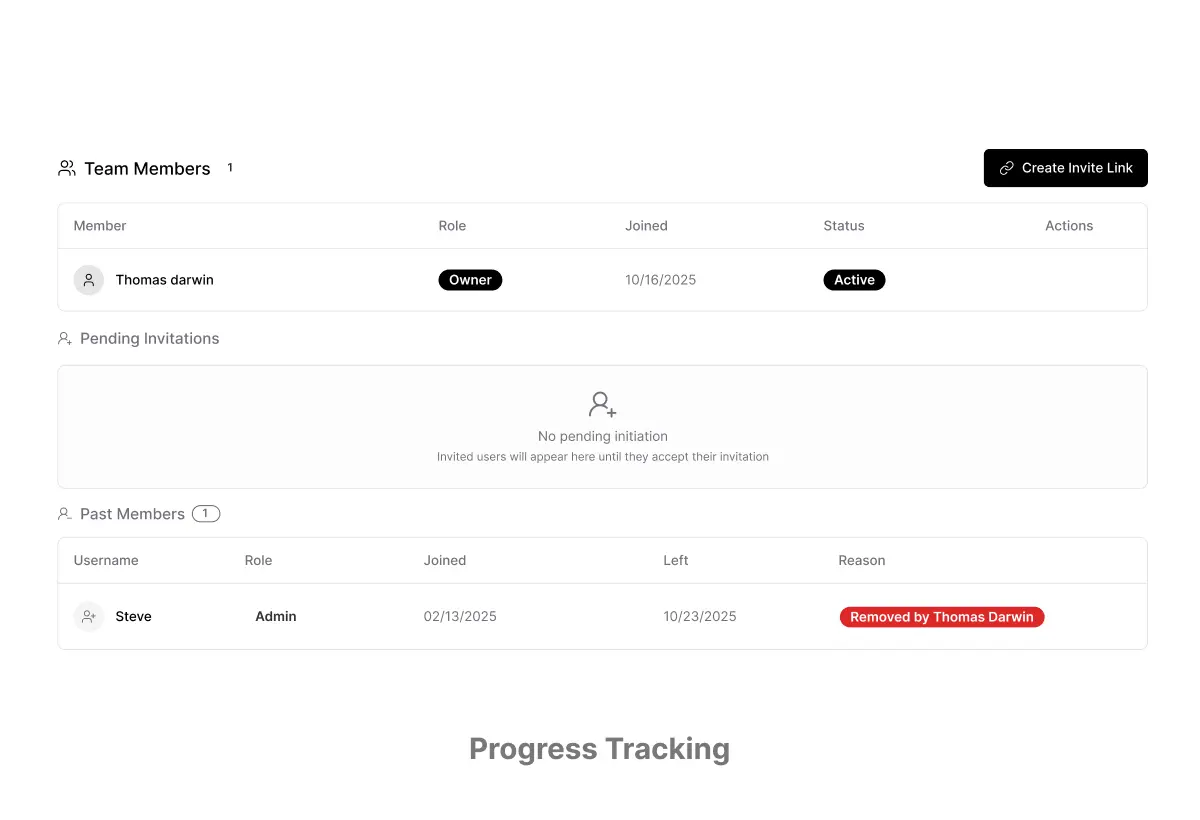
04
Progress Tracking & Analytics: Team Performance Visibility
Monitor workflow execution across all team members with centralized dashboards showing completion rates, bottlenecks, and performance metrics. Get automatic notifications when workflows fail or need approval, enabling proactive management without constant manual check-ins or status meetings.